
hotel rooms: 1 simple trick to spot hidden cameras
Checking into one of the millions of hotel rooms booked each year should be a moment of relief, not anxiety. You drop your bags, kick off your shoes, and look forward to a relaxing stay. However, a growing concern about privacy has travelers asking an unsettling question: “Is someone watching me?” The thought of hidden cameras in private spaces is disturbing, but thankfully, you don’t need to be a security expert to protect yourself. There is one surprisingly simple trick that can help you uncover these covert devices using a tool you already have: your smartphone.
This guide will walk you through that trick, explain where to look, and detail exactly what to do if you find something suspicious. Your peace of mind is paramount, and a few minutes of vigilance can make all the difference.
Table of Contents
Why Are Hidden Cameras a Growing Concern?
The rise of tiny, affordable, and high-definition “spy cameras” has made it easier than ever for malicious individuals to invade your privacy. These devices can be disguised as everyday objects—clocks, smoke detectors, USB chargers—and can be purchased easily online. News reports have surfaced globally about guests finding cameras in rentals and hotel rooms, a stark violation of trust and personal security.
The motive can range from voyeurism to extortion. While hotels have a responsibility to ensure guest safety, rogue employees or even previous guests could be the culprits. This isn’t meant to cause panic, but to encourage a healthy level of caution. Being proactive is your best defense against this modern-day threat.
The 1 Simple Trick: Using Your Smartphone to Find Cameras
Many hidden cameras, especially those designed to record in low light, use infrared (IR) light to illuminate their surroundings. This light is invisible to the human eye, but your smartphone camera can often see it. Here’s how to turn your phone into a basic IR detector.
Step 1: Create a Dark Environment
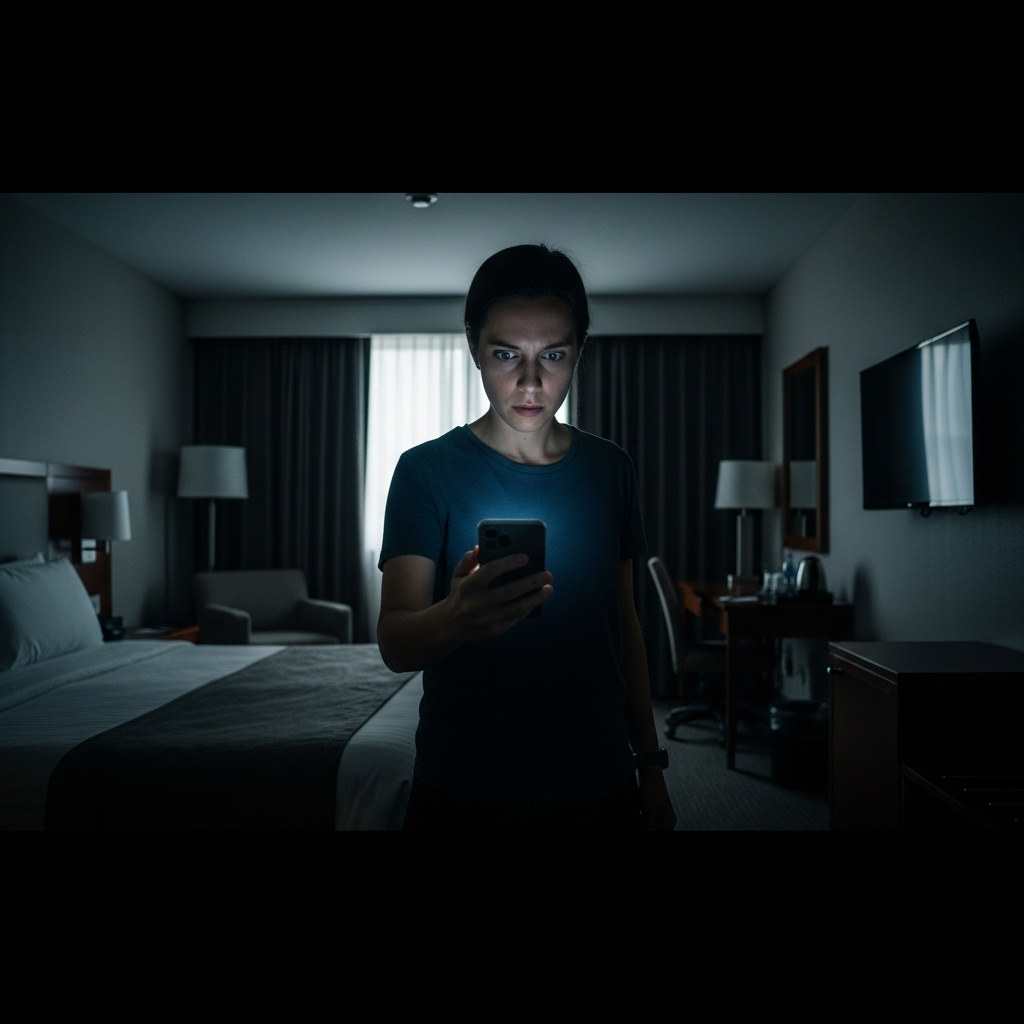
For this trick to work effectively, you need to eliminate as much visible light as possible. Close the curtains, turn off all the lights, and cover any light-emitting electronics like the TV’s standby light. Your hotel room should be as close to pitch black as you can get it.
Step 2: Open Your Camera App and Use the Front-Facing Camera
Unlock your phone and open the camera application. Now, here’s the crucial part: switch to your front-facing (selfie) camera. Most modern smartphones have a strong IR-cut filter on their main rear cameras to produce better-quality photos. However, front-facing cameras often have a weaker or no filter, making them more sensitive to IR light.
To test this, point a TV remote at your front-facing camera and press a button. You should see the remote’s emitter flash as a purplish or white light on your screen. If you see it, your camera is ready to hunt.
Step 3: Slowly Scan the Room
Using your phone screen as your viewfinder, slowly and methodically scan the entire room. Pay close attention to the common hiding spots listed in the next section. Look for any small, pulsing, or steady points of light that are not visible to your naked eye. A hidden camera’s IR LEDs will appear on your screen as a distinct pinpoint of light.
This simple, no-cost method is one of the most effective first steps you can take to secure your private space. It specifically targets night-vision-capable cameras, which are among the most invasive types.
Common Hiding Spots for Cameras in Hotel Rooms
Perpetrators are predictable. They place cameras where they are least likely to be noticed but can capture the most activity. When you conduct your scan of hotel rooms, focus on these high-risk areas:
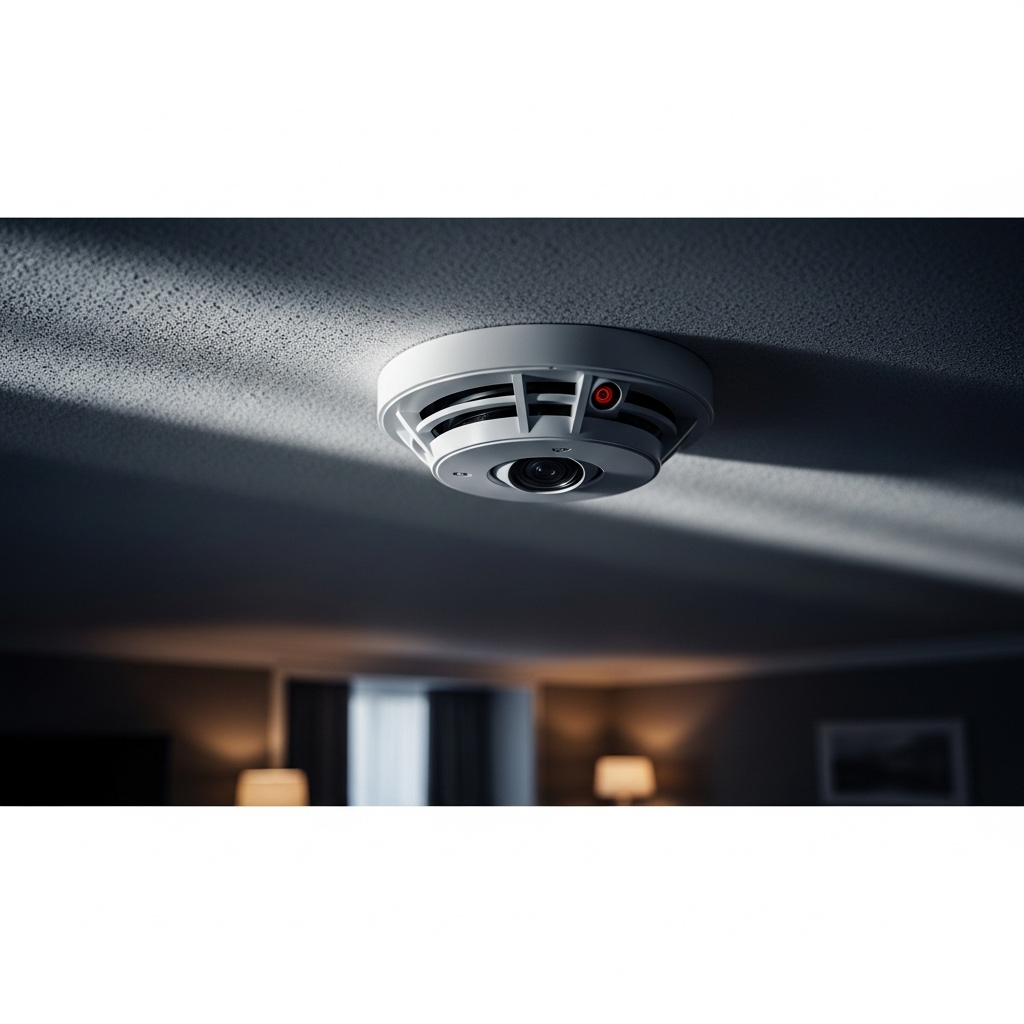
- Smoke Detectors: A classic hiding spot. Look for a tiny black lens amidst the vents.
- Alarm Clocks and Clock Radios: Especially those facing the bed. The lens can be hidden in the speaker grille or display panel.
- Power Outlets and USB Wall Chargers: These are very common. Look for anything that seems out of place or for a tiny pinhole lens.
- Household Objects: Pens, tissue boxes, and even water bottles can house miniature cameras. Be wary of objects that seem out of place.
- Electronics: TVs, DVD players, and cable boxes have plenty of dark surfaces to hide a lens.
- Mirrors and Picture Frames: Look for any unusual holes or inconsistencies in bathroom mirrors or wall art.
- Lamps and Light Fixtures: The base or shade of a lamp can easily conceal a device.
- Screws or Vents: Any small opening can potentially hide a pinhole camera.
Beyond the Trick: Other Effective Detection Methods
While the smartphone trick is excellent for finding IR cameras, you can supplement it with other techniques for a more thorough search.
1. Conduct a Physical Inspection
Before using any tech, use your eyes and hands. Shine your phone’s flashlight on suspicious objects to look for the reflection of a camera lens. Gently feel around the edges of smoke detectors, clocks, and outlets for unusual wires or components. Does anything look like it’s been tampered with? Trust your instincts. If an object seems odd, inspect it closer.
2. Scan the Wi-Fi Network
Most modern hidden cameras are Wi-Fi enabled so they can stream footage remotely. You can use a network scanning app like Fing to see a list of all devices connected to the hotel’s Wi-Fi. Look for any devices with suspicious names like “IP Camera,” “HDQCam,” or generic names that don’t match your own devices. This can reveal a connected camera even if it’s not emitting IR light.
3. Use a Professional RF Detector
For those who travel frequently or want maximum assurance, investing in a radio frequency (RF) detector is an option. These handheld devices are designed to detect wireless signals being broadcast from bugs and cameras. While more expensive, they provide a professional level of security.
What to Do if You Discover a Hidden Camera
Finding a camera can be a shocking and frightening experience. It’s crucial to act calmly and correctly to protect yourself and ensure the situation is handled properly.
1. Do Not Disturb the Device: Your first instinct might be to unplug or remove the camera. Don’t. Leaving it untouched preserves it as evidence.
2. Document Everything: From a safe distance, take pictures and videos of the device, its location, and the surrounding area with your phone. This is vital evidence.
3. Contact the Police Immediately: Do not call the front desk first. Your first call should be to law enforcement. A hidden camera is a serious crime, and it needs to be reported and investigated by the authorities. Let them handle the device removal.
4. Inform Hotel Management: After you have contacted the police, inform the hotel manager of the situation. Show them your documentation. A reputable hotel will be horrified and should cooperate fully with the investigation.
5. Request a New Room or Hotel: For your own safety and peace of mind, do not stay in that room. Ask to be moved to a different room (which you should also inspect) or, better yet, check out and find another hotel. You can also review our comprehensive guide to overall travel safety for more tips on staying secure on the road.
Conclusion: Traveling with Confidence
The possibility of hidden cameras in hotel rooms is a genuine concern in our digital age. However, it doesn’t have to ruin your travel experience. By adopting a simple, proactive routine upon arrival—making the room dark and using your front-facing camera to scan for IR lights—you can quickly and effectively screen for the most common types of hidden cameras.
Combine this trick with a quick physical search and a Wi-Fi scan for an even greater sense of security. Taking these few minutes to ensure your privacy allows you to truly relax and enjoy your trip with the peace of mind you deserve.


